Published: Jul 12, 2023 by David Miller
Modern problems require modern solutions.
A few years ago now, I moved into a new role in my career: Cloud Architecture. Right around this time I also decided to take a close look at my resume and update it with all of my recent accomplishments bringing me to this point.
After a few hours consulting Dr. Google M.D. I found a Resume consultation service that was both active on, and well liked on Reddit. $50 and about 48 hours later I had some pointers and a better understanding. My resume was… lacking.

Time to freshen up a bit.
I worked with the Resume Consultants to put together a more modern Resume and CV and trim out some of the older and less pertinant information. In no-time had a grat looking, clean and professional Resume and CV.
Unfortunately something was still missing. I wanted something… More!

The Resume consultants suggested adding a website, a sort of digital resume. Something that could be added to Linkdin that could illustrate my skills. One more consult with D.R. Google, and I found Ceevee, a “…clean, modern, fully responsive site template designed for online resumes and portfolios.”
Even more interestingly, it works as a static website, something I could host from Azure with minimal cost.

Now, how do we do it?
Step One: “One Azure Please!”
Many Azure resources are free for the first 12 months, including Blob Storage. You can sign up at azure.microsoft.com
Being that I already had an Azure Tenant in hand, my next task would be to create an Azure DevOps project.
You can creat a DevOps Organization for free when using their hosted CI/CD.
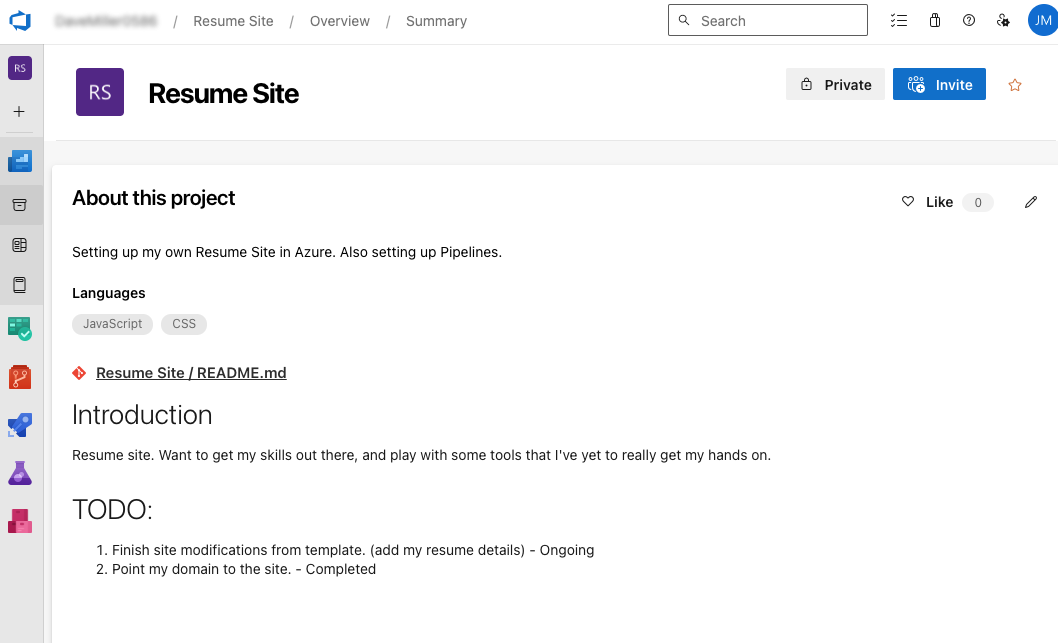
Once I had my DevOps Project, I needed to create and clone a repo, then download the template to the repo.
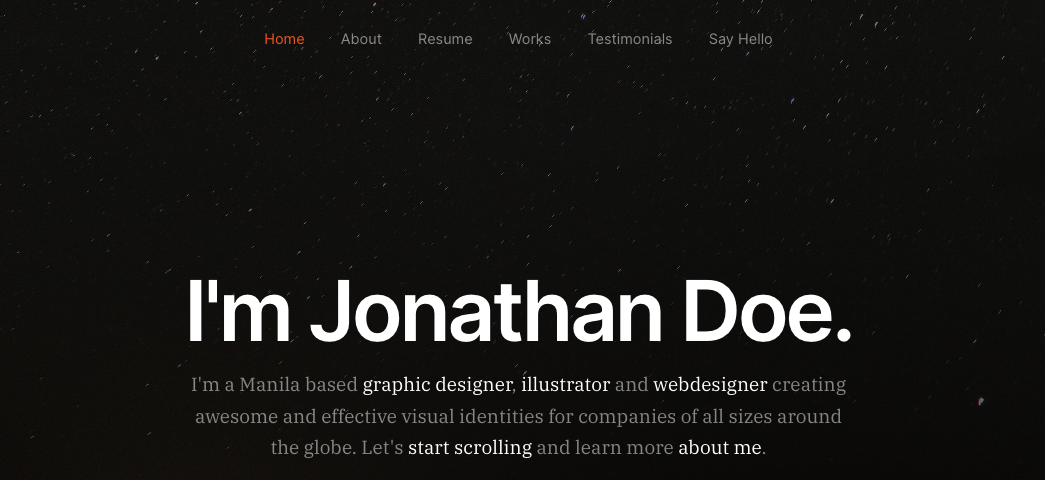
The demo site had a few more sections than I needed, so I began to trim out sections. I don’t want the say helo form, nor a testimonials section.
With this being a static site, testing the changes was as simple as opening the index.html file in my browser of choice, saving changes and refreshing.
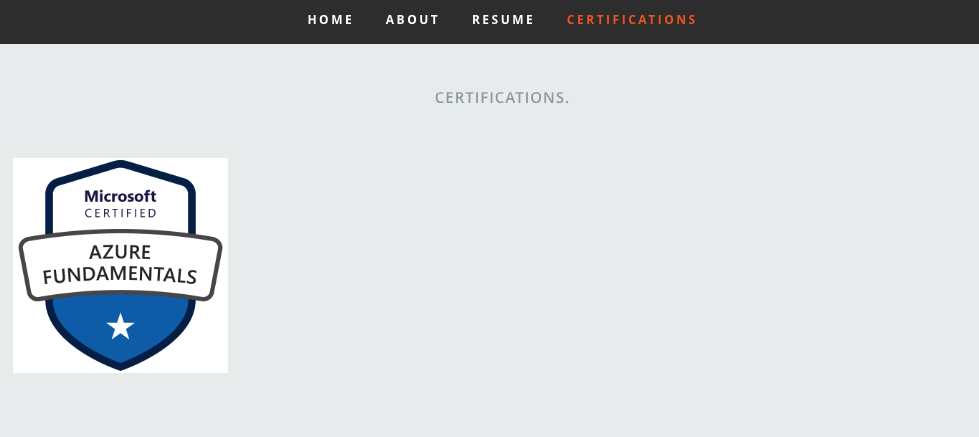
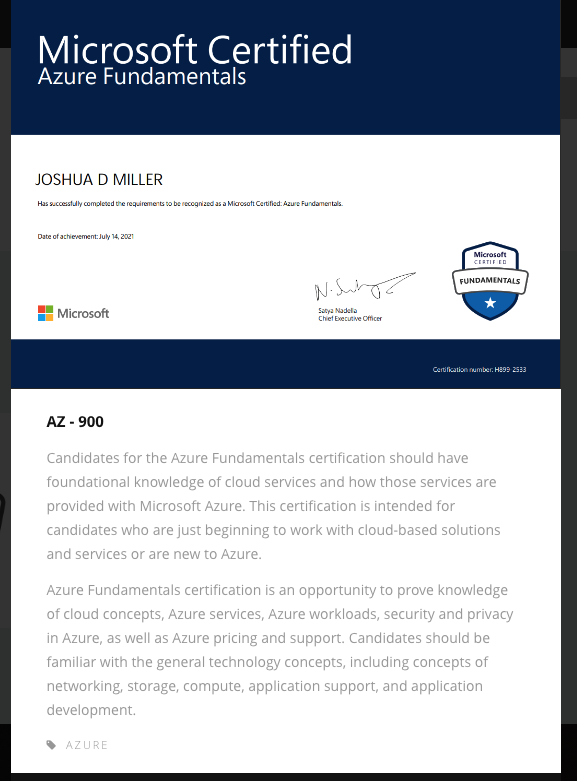
I changed the Works section to be a Certifications section. Here I can add any new certifications I earn, and include some details and a link to Credly to allow potential employers to verify them.
Now I was on to something. I had a website, now where to put it.
Hosting a static site in Azure
The key to hosting a static site in Azure is actually 2 pieces. (Although more complex solutions are available)
- Azure Storage Account
- Azure FrontDoor
First the Storage Account
Creating a Storage Account in Azure is covered in many guides in much better detail than I could cover here. Here is one from Microsoft. Its important to be mindful of the region you select. Different regions are priced differently. I chose EastUS2, but there are definitely cheaper options. I went with one relatively close to me for ease.
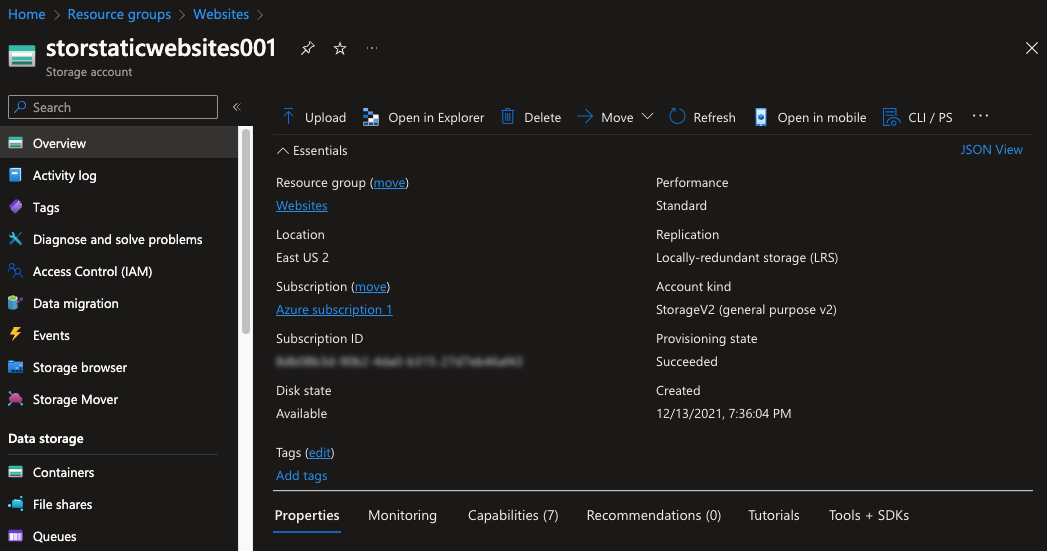
Now, with our Storage Account created, we will need to setup the Static Website
Under Data management, is the option for Static Website, enable this and it’ll create a container named $web, provide a Primary endpoint, and allow you to define the file names for the index document and your 404 page.
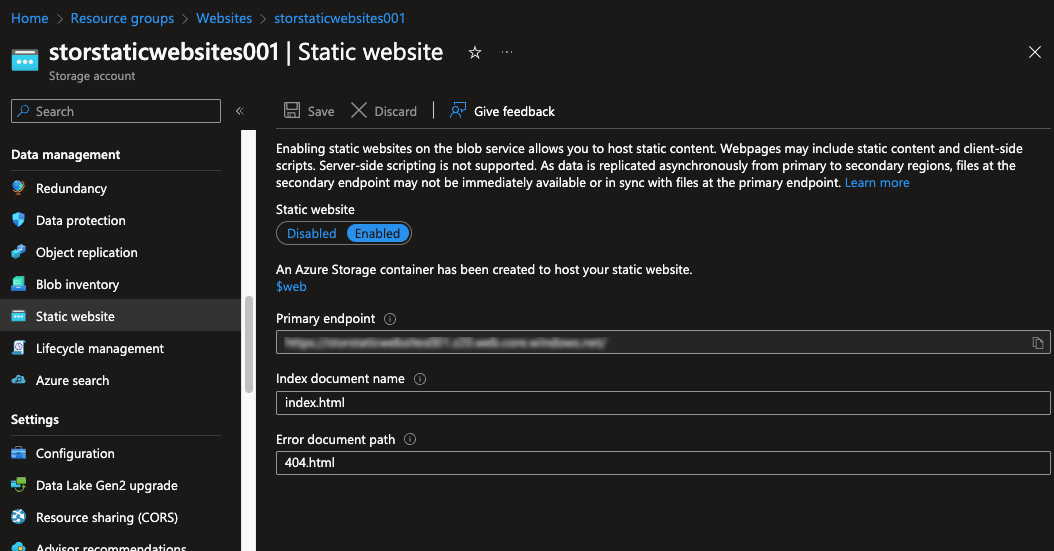
It is very important to take into consideration the data in this storage account can be presented without any security. As with anything publicly facing, make sure not to store anything sensitive here.
Now that we have the static site, but we still need to put the files in the storage account. I could simply upload the files to the storage account via the browser or even using Azure Storage Explorer, but that would mean any changes I’d have to manually upload. Since we have Azure DevOps, lets use it.
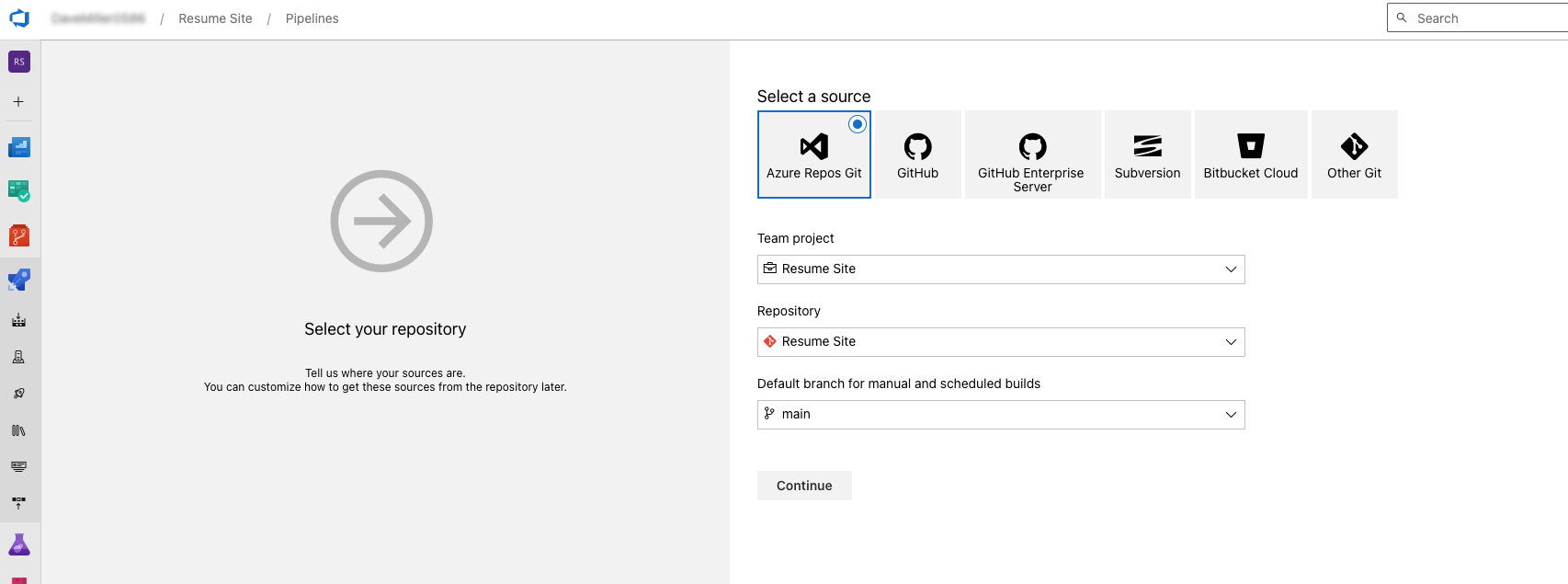
Back in DevOps, we create a Pipeline, and select the project, repo, and branch.
Then I started with an empty job, setup an Azure File copy task.
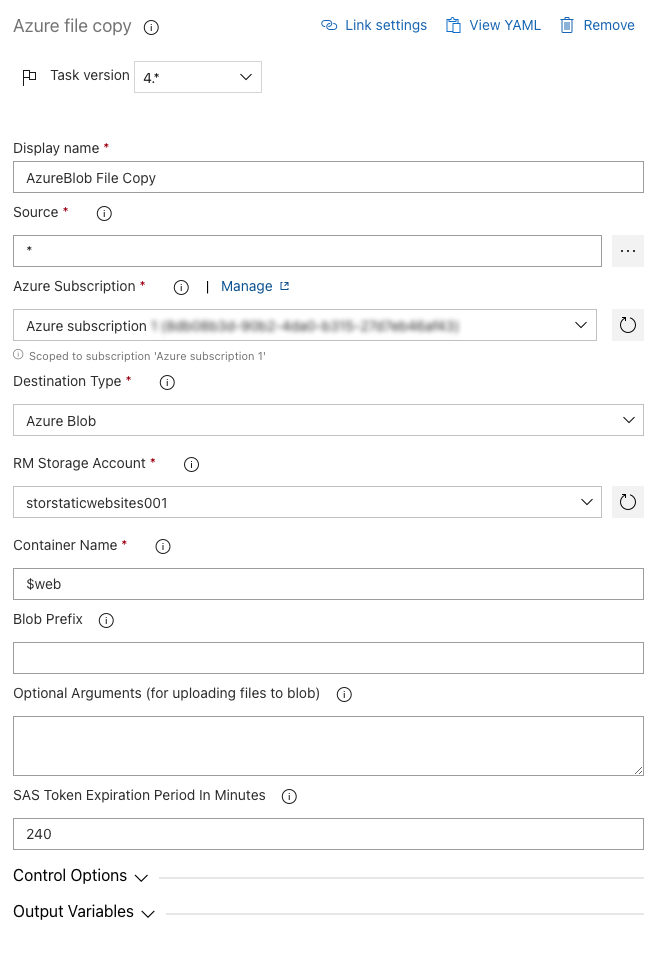
Once that is setup you can visit the site from using that primary endpoint setup in the Storage Account.

Well, not quite. I’d like to use my own DNS name for this site. For another project I have quite the list of domains, and one would be absolutely perfect. davidmiller.site
This is a job for Frontdoor. Using the basic standard Microsoft CDN sku, I can keep costs down, and protect the site, and automate certificates.
Pointing this to the storage account static website was actually easy. Unfortunately I don’t have any screenshots of this setup but there is a guide here.
Now my site is live at https://www.davidmiller.site and able to be updated right fron DevOps!